Shipping Automation
Batch Printing Strategies: How to Group Orders for Maximum Efficiency
By Nikunj Maniya · 22 May 2026 · Updated 9 June 2026 · 3 min read
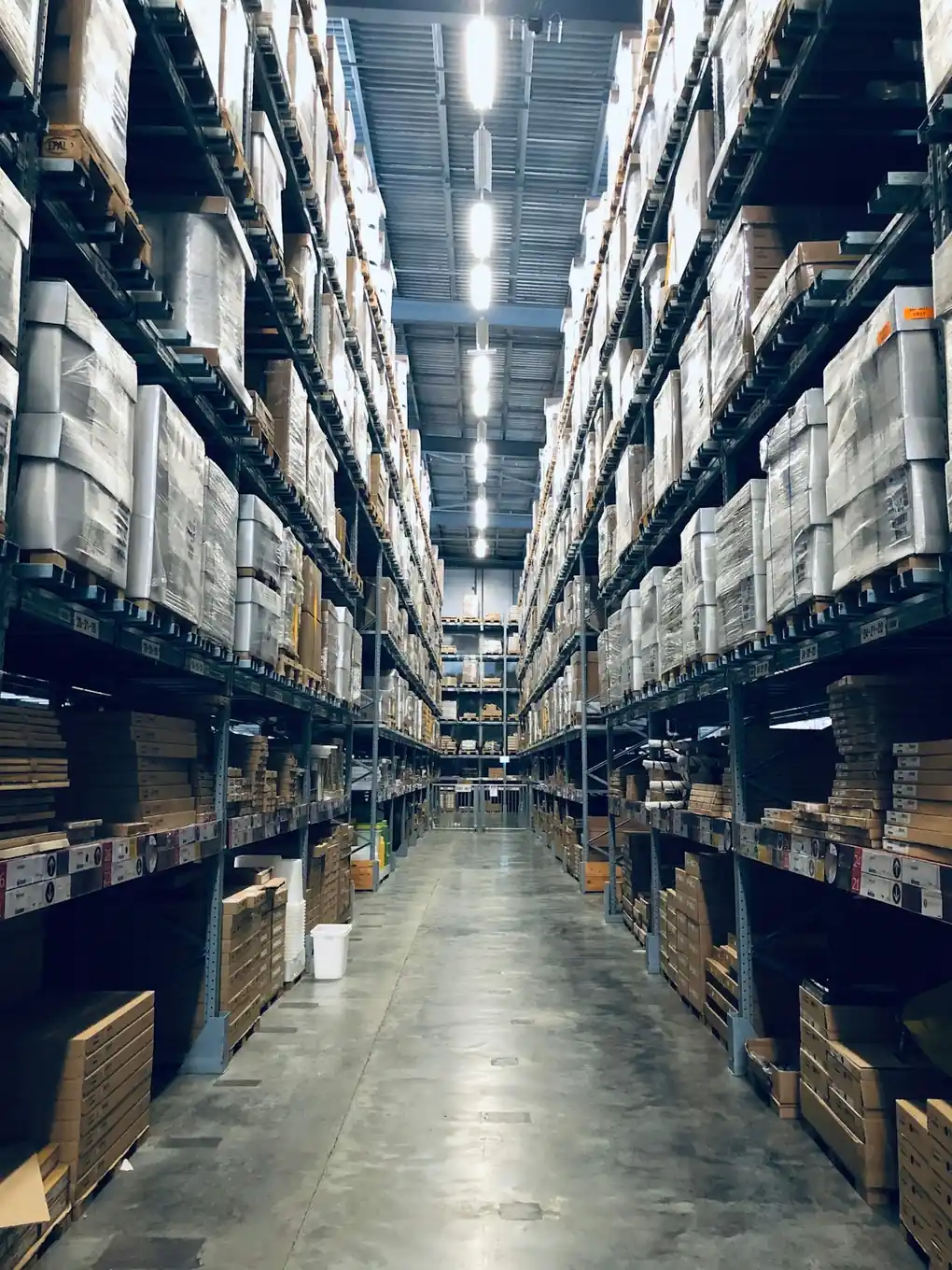
The way you order labels in the print queue determines how your warehouse moves. Random order = random walks. Strategic order = a pick path that collapses to a fraction of the time. There are three batching strategies that actually move the needle, and they apply at different volumes.
Strategy 1: Sort by SKU (the foundation)
The simplest and most-impactful batching strategy. All orders for SKU "SE-1" print consecutively, then all "SE-2", and so on. The picker walks bin SE-1, grabs the count, moves to SE-2, etc.
When to use
- Always. This is the baseline.
- Especially when bin layout follows SKU ordering.
Throughput gain
40-60% over random order. The Ecom Insides cropper enables this with one toggle.
Strategy 2: Sort by warehouse zone
For multi-shelf or multi-room warehouses, group orders by physical zone first, then by SKU within zone. Zone A (front shelves), Zone B (mid shelves), Zone C (back shelves) — walked in order to minimize backtracking.
When to use
- Warehouse > 800 sq ft.
- SKU count > 200.
- Distinct hot/cold zones (fast-movers up front).
Throughput gain
Additional 15-25% over SKU-only sort.
Strategy 3: Sort by courier / channel
For multi-channel sellers, grouping by courier can speed up the dispatch handover. All Amazon labels in one stack, all Flipkart in another, all Meesho in a third. Each courier's pickup agent grabs their own bin.
When to use
- 3+ couriers picking up daily.
- Multi-channel sellers with 100+ orders/day. See multi-platform order management.
Throughput gain
Reduces pickup-time stress by 5-10 minutes per courier handover.
The optimal hybrid: zone + SKU + courier
At 500+ orders/day, layer all three:
- Outer sort: by courier (separate Amazon, Flipkart, Meesho stacks).
- Middle sort: by warehouse zone (within each stack).
- Inner sort: by SKU (within each zone).
A picker walking the warehouse with the SKU summary page picks bin by bin, handing the pick tote to a packer who matches it against the pre-sorted label stack. End-of-batch the labels are already grouped by courier.
The cropper's SKU-sort feature gives you the inner sort automatically. The outer sorts (by courier and zone) are easier to manage by processing one PDF per courier and using a naming convention that mirrors zone for SKUs.
What batch size is optimal?
Common recommendations:
- Small (10-25 orders): for high-mix operations with constant new SKUs.
- Medium (50-100 orders): the sweet spot for most SMB sellers.
- Large (200-500 orders): high-volume same-SKU operations.
Larger batches gain efficiency but introduce risk: if a batch fails (printer jam, wrong label roll), more orders are affected. We recommend 100-order batches as the default ceiling.
Pre-flight rituals for every batch
- Print one label, scan the AWB barcode with a phone scanner.
- Print the SKU summary page on plain paper.
- Reconcile bin counts against summary before picking.
- Pick all units of one SKU before moving on.
- Match labels to picked items using SKU footer.
What to avoid
- Random order printing — the default in marketplace dashboards. Always sort.
- Mixed-courier batches at the printer — leads to wrong labels going on wrong outboxes.
- Tiny batches with small batch overhead — printing 5 orders 20 times a day wastes setup time.
- Single mega-batch at end of day — pickup deadlines crunch you. See the fastest way to print 100 shipping labels.
Frequently asked questions
Does Amazon allow me to choose label print order?
Amazon's seller hub gives a fixed order (typically order-creation time). To change order, you download the bulk PDF and re-sort using a tool like the Ecom Insides cropper.
Can I batch across marketplaces?
Not safely from a courier handover perspective. Marketplaces have different couriers, and mixing labels in one stack confuses the dispatch step. Process each marketplace's PDF separately.
How often should I print batches per day?
2-3 times for most sellers: morning batch (overnight orders), afternoon batch (morning orders), evening batch (afternoon orders), aligned with courier pickup windows.