PDF Tools
How to Crop Shipping Labels from PDF — Free Tool Guide 2026
By Nikunj Maniya · 10 June 2026 · 4 min read
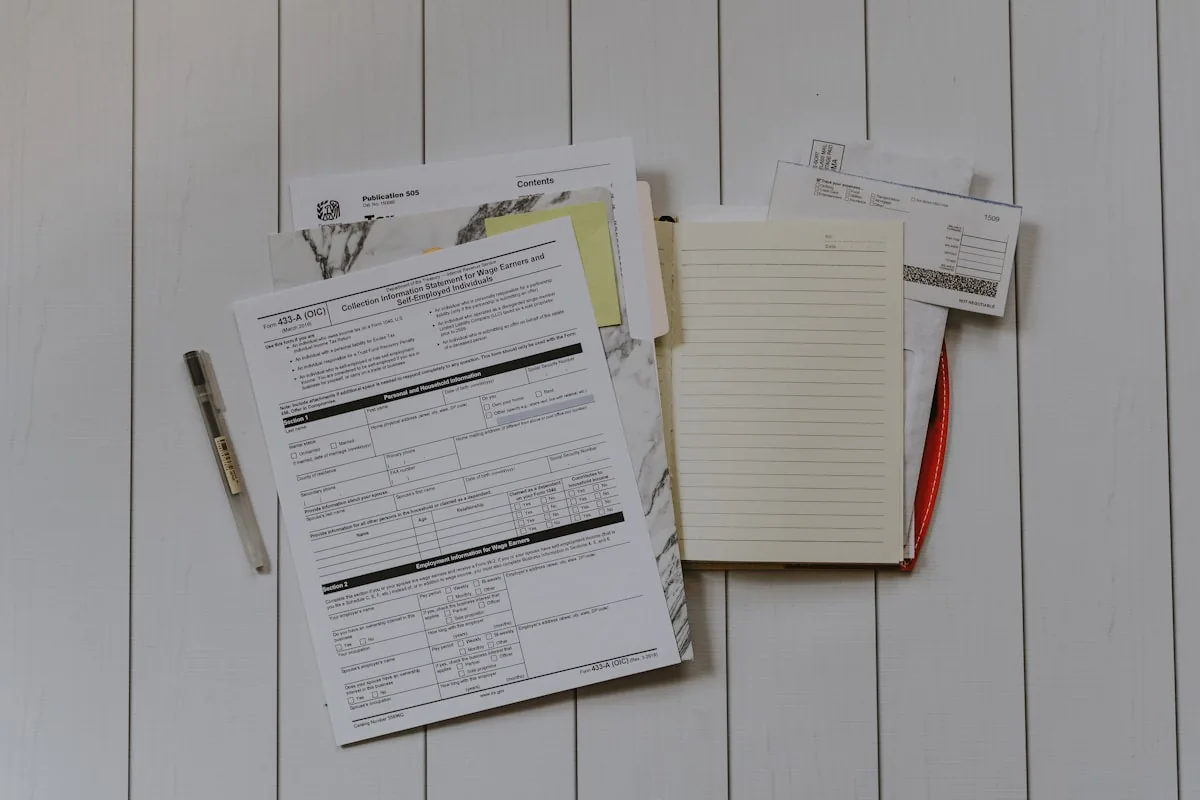
Marketplace sellers download shipping label PDFs every morning — and almost none of those files are ready for a 4×6 thermal printer without a crop step. If you search crop shipping label from PDF, you will find upload-based converters, subscription apps, and manual scissors workflows. This guide shows the free, browser-only path: detect the label region, strip invoice pages, export thermal-sized output, and keep customer addresses on your device only.
Why cropping exists at all
Indian marketplaces often render:
- Amazon — label band on top of A4, invoice below
- Flipkart — alternating label and invoice pages in one batch file
- Meesho — two labels per A4 page in bulk manifests
Couriers scan AWB barcodes and 2D codes at hub speed. A4 printouts shrunk to fit thermal rolls produce unscannable labels → held parcels → late dispatch metrics → unhappy sellers.
Cropping is not optional for thermal workflows — it is the conversion between platform PDF logic and printer physics.
What you need
- A modern browser (Chrome, Edge, Firefox, or mobile Safari)
- The marketplace label PDF from Seller Central, Seller Hub, or Meesho supplier panel
- A 4×6 direct-thermal printer (optional for preview — you can still export cropped PDF)
No account, no plugin, no command line.
Step-by-step: crop shipping labels from PDF (free)
- Open the Shipping Label Cropper.
- Drag your PDF into the drop zone (or tap to select on phone).
- Let platform auto-detection run — choose Amazon, Flipkart, or Meesho if prompted.
- Preview the crop boundary. Nudge manually only if detection missed a rare template change.
- Select 4×6 thermal output.
- Download the cropped PDF.
- Print at Actual Size / 100% scale on 100 × 150 mm media.
For Amazon-specific nuance, read how to crop Amazon labels for thermal printer. Flipkart sellers should keep the Ekart route hash visible — see Flipkart Ekart label printing.
Privacy: why "no upload" matters
Order PDFs contain names, phone numbers, addresses, SKUs, and AWB identifiers. Uploading them to unknown servers creates:
- Data retention you cannot audit
- Risk during AdSense or marketplace compliance reviews
- Exposure on shared office networks
Ecom Insides processes files with PDF.js and pdf-lib inside your browser tab. When you close the tab, the working copy is gone from active memory. That architecture is intentional — see privacy and security of shipping data.
Crop vs paid tools — honest comparison
| Factor | Browser cropper | Paid desktop app |
|---|---|---|
| Cost | Free core use | Subscription or licence |
| Privacy | No upload | Often cloud sync |
| Install | None | Windows/Mac install |
| Bulk 50+ files | Supported with ZIP download | Varies by vendor |
| Invoice removal | Automatic for major platforms | Varies |
Our free vs paid label cropping tools article goes deeper without affiliate noise.
Related PDF tools in the same workflow
After cropping, sellers often:
- Merge multiple cropped PDFs — /tools/merge-pdf/
- Split mixed manifests — /tools/split-pdf/
- Compress for email archives (watch barcode quality) — /tools/compress-pdf/
- Convert A4 layouts — /tools/thermal-label-converter/
- Strip invoices only — /tools/invoice-remover/
Print settings cheat sheet
- Paper: 100 × 150 mm or 4 × 6 in
- Scale: Actual Size — never Fit
- Orientation: Portrait
- Darkness: 8–10 on many TSC/Xprinter models for direct thermal
- Background graphics: On (courier bands may be coloured)
Troubleshooting
Blank labels alternating with good ones — invoice pages still in the print queue; re-crop with invoice detection enabled.
AWB too narrow — scale was not 100%. Reprint from cropped PDF only.
Cropper cannot read file — password-protected or corrupt PDF; re-download from marketplace.
Phone browser slow on 200+ pages — split PDF first, crop in chunks.
When to use manual crop fallback
Auto-detection covers mainstream templates. Manual mode helps when:
- Marketplace A/B tests a new layout
- You ship on a new regional courier format
- PDF includes marketing banners above the label block
Drag crop handles until AWB and bottom 2D code sit fully inside the box.
Official references
Marketplace dispatch rules change — verify on:
Start cropping now
You know how to crop shipping labels from PDF without uploads, subscriptions, or scissors. The workflow is download → crop in browser → print Actual Size → hand to courier.
Try it: open the free Shipping Label Cropper with yesterday's redacted test PDF before touching live orders.
Frequently asked questions
Can I crop shipping labels from PDF for free?
Yes. Ecom Insides crops marketplace shipping PDFs entirely in your browser. There is no fee for basic daily use and no file upload to a server.
Why are my shipping labels on A4 instead of 4×6?
Marketplaces bundle tax invoices or manifests on the same PDF page as the label. Thermal printers need only the label block resized to 4×6.
Will cropping break barcodes?
A good cropper preserves resolution and keeps AWB and 2D codes inside the print area. Always print at Actual Size, not Fit to page.
Does the PDF leave my computer?
No. Processing uses client-side JavaScript. Your order PDF never travels to Ecom Insides servers.
Which marketplaces are supported?
Amazon India, Flipkart Ekart, and Meesho 2-up manifests are auto-detected. Other A4 label PDFs can use manual crop fallback.
How is this different from paid label software?
Paid desktop tools may offer batch automation and ERP hooks. Browser cropper wins on privacy, zero install, and free use for typical seller volumes.